
String Art Generator
Times-table and star string art, plus photo-to-thread portraits with a printable nail sequence.
Drag around the board like a dial to sweep the multiplier; the cardioid morphs into nephroids and beyond. Each nail i connects to nail i × m; press Animate to sweep it automatically.
How is String Art Generator working for you?


About String Art Generator
- Modes
- Geometric (times-table and star patterns) or Photo (one continuous thread)
- Times-table rule
- Nail i connects to nail i × m: m = 2 draws a cardioid, m = 3 a nephroid
- Layers
- Up to three colored layers, with an animated multiplier sweep
- Photo algorithm
- Greedy line selection over the darkest remaining pixels
- Build it
- Nail sequence as a text file, plus a printable numbered nail template
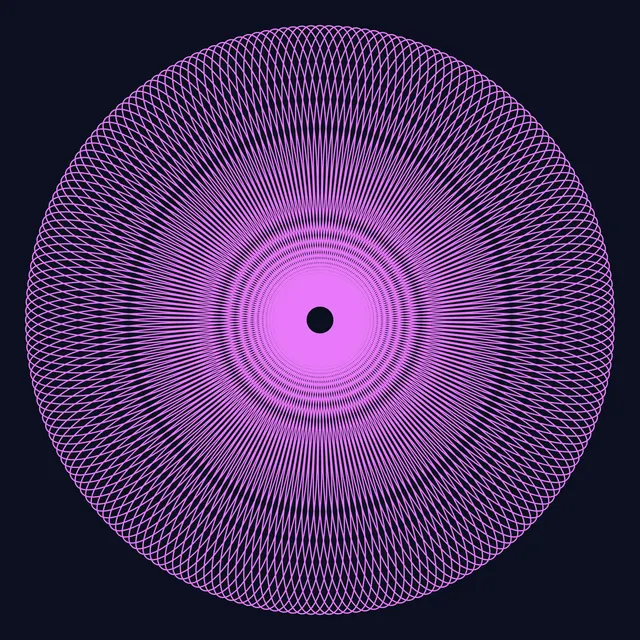
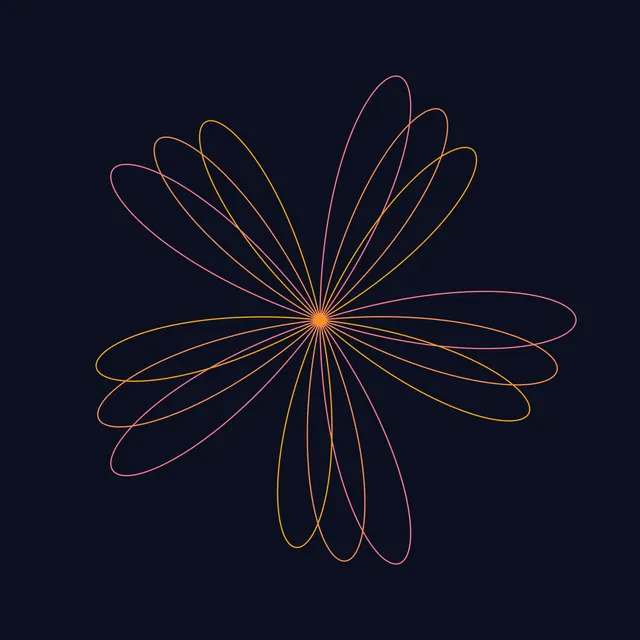
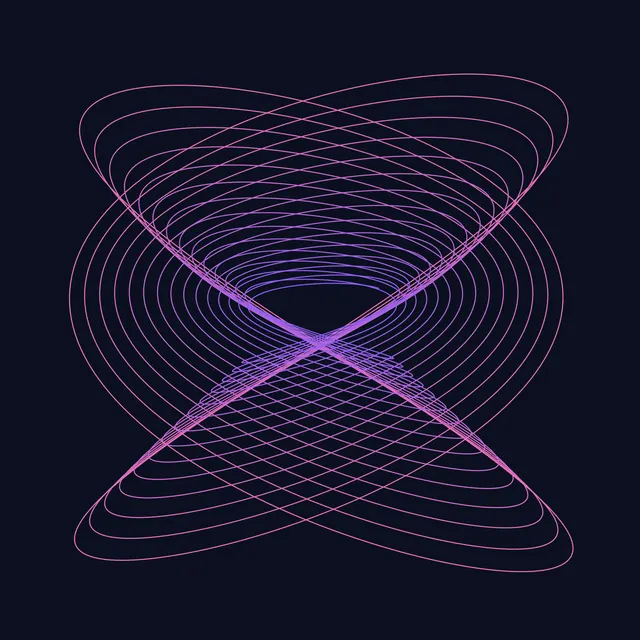
String Art Generator designs string art two ways. Geometric mode places nails around a circle or polygon and connects them by a rule: the times-table rule links nail i to nail i × m, which draws a cardioid for m = 2, a nephroid for m = 3 and ever more intricate envelopes as m grows, while the skip rule links every nail to the one k steps ahead for classic star patterns. Stack up to three colored layers and animate the multiplier to watch the curves morph.
Photo mode turns a picture into a single continuous thread. A greedy algorithm starts at nail 1 and repeatedly chooses the next nail whose straight line covers the darkest remaining part of the image, then lightens that line, thousands of times over. The result is the string-art portrait effect, plus the exact nail sequence you need to build it for real with a hoop, nails and black thread.
Export a PNG or a crisp SVG, download the nail sequence as a text file, or print a numbered nail template to place your nails accurately.
How to use String Art Generator
- Choose a mode. Geometric for times-table and star patterns, or Photo to turn an image into thread art.
- Set up the frame. Pick a circle or polygon frame and the number of nails. More nails give finer curves (and more detail in photo mode).
- Design geometric layers. For each layer choose Multiply or Skip, the multiplier or step, offset and color. Press Animate to sweep the multiplier.
- Turn the board like a dial. In Geometric mode, drag around the board to sweep the selected layer by hand: each full turn adds 1 to the multiplier, or moves a Skip layer's step by an eighth of the nails.
- Generate from a photo. In Photo mode, upload a high-contrast photo (or use the demo), set the number of lines and thread darkness, and press Generate.
- Build it. Export the nail sequence and a numbered nail template, then wrap a single thread from nail to nail in order.
Frequently asked questions
How does the times-table string art pattern work?
Number n nails around a circle and connect each nail i to nail (i × m) mod n. With m = 2 the lines envelop a cardioid, with m = 3 a nephroid, and other multipliers give flowers and nested loops — an example of modular arithmetic.
How is a photo converted into string art?
The photo is converted to grayscale inside the circle. Starting from one nail, the algorithm tests a line to every other nail, picks the one that passes over the darkest remaining pixels, subtracts that line's darkness, and repeats for thousands of lines.
How many nails and lines should I use for a portrait?
Real builds commonly use 150 to 300 nails and 2,000 to 4,000 lines of thread. Start with 200 nails and 2,500 lines, use a high-contrast, well-lit face photo, and adjust the thread darkness until the preview looks right.
How do I follow the nail sequence?
Print the numbered nail template at your board size, hammer nails at each mark, tie the thread at nail 1, then wrap to each nail in the exported sequence in order without cutting the thread.