
Anime and fan art makers
Anime has its own visual vocabulary: eyes with spinning patterns, energy that swirls around a hand, sword strokes that leave water or fire behind them, circles drawn on the ground. These fan tools rebuild that vocabulary from geometry and simulation, so nothing is copied from a show.
Sharingan Maker builds anime-style eyes from tomoe, blades and rings and plays an Intro animation. Rasengan Maker spins thousands of particles into an energy sphere that can charge up or send a beam, and Chidori & Lightning Maker grows branching lightning into a ball, a blade along a path you draw, a strike from the sky or a slash. Portal GIF Maker opens swirl and spark-ring portals that grow from a point, and Magic Circle Generator stacks rings, runes and I Ching trigrams into spinning seals.
For an original character, Breathing Style Maker names a sword style and its numbered forms from a name, cuts the strokes you draw as water, flame, thunder or petals, and prints a character card with its mark and blade. Japanese Pattern & Haori Maker puts the traditional patterns of anime jackets onto a haori.
Animations export as video and GIF, and also as a transparent GIF, a green-screen video or a sprite sheet for video editors and games. Eye and circle designs print as tattoo stencils at a chosen width. Every shape is drawn from scratch: these are unofficial fan tools, not affiliated with any studio or publisher.
6 Anime & Fan Art tools
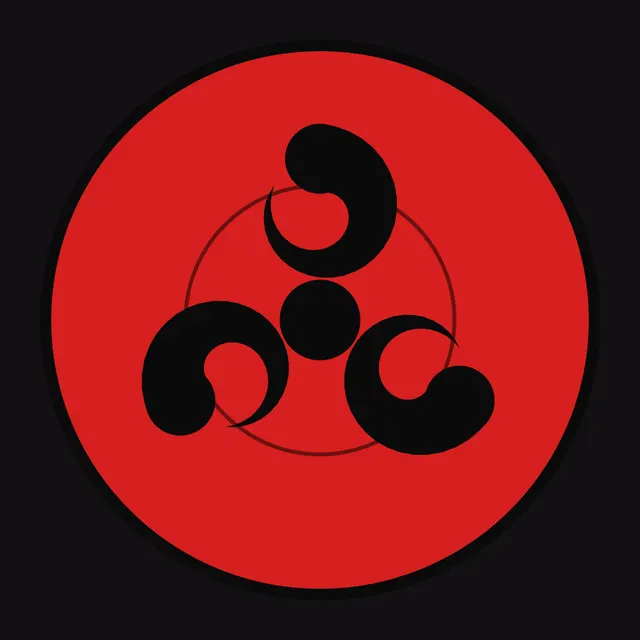
Sharingan Maker
Sharingan and Mangekyo-style eyes from presets and pattern layers, with spin and intro animations and avatars.
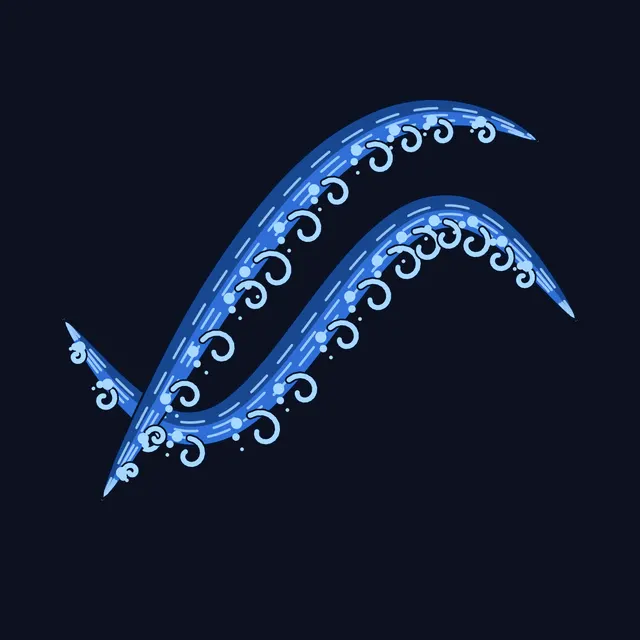
Breathing Style Maker
A name gives a breathing style with forms, a blade and a mark; drawn strokes cut as water, flame or thunder.
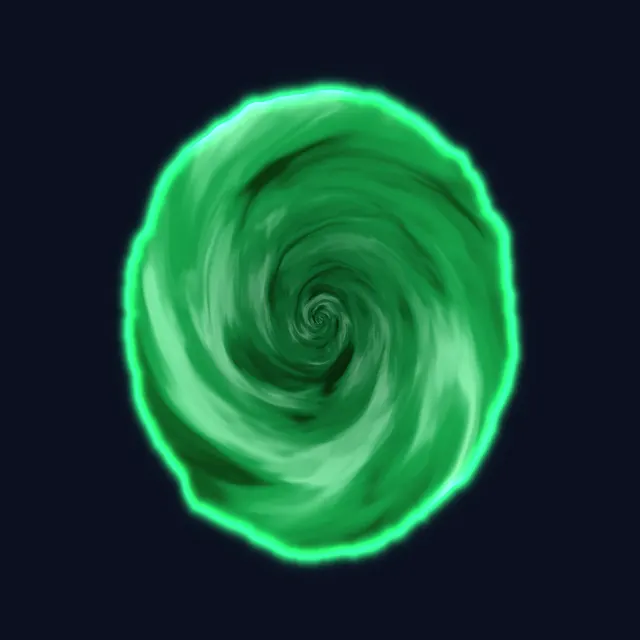
Portal GIF Maker
Green swirl, spark ring, void, galaxy and fire portals, exported as transparent GIFs and green-screen video.
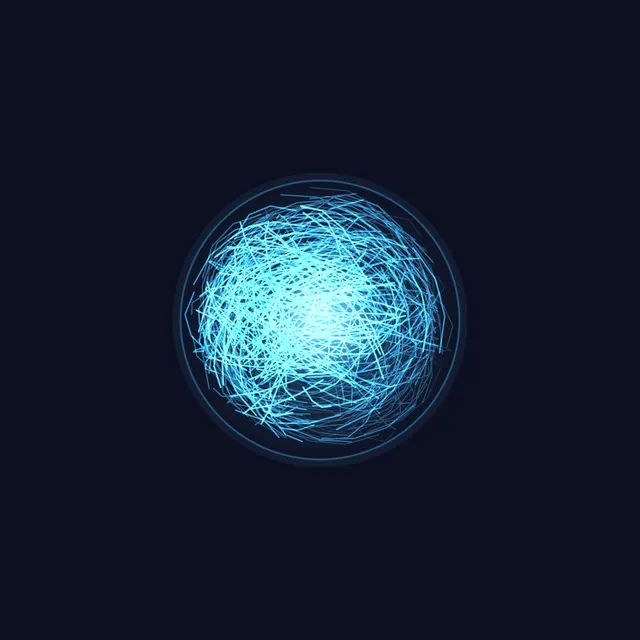
Rasengan Maker
Spin an energy sphere in Rasengan, Rasenshuriken, Hollow Purple or Spirit Bomb style and export transparent GIFs.
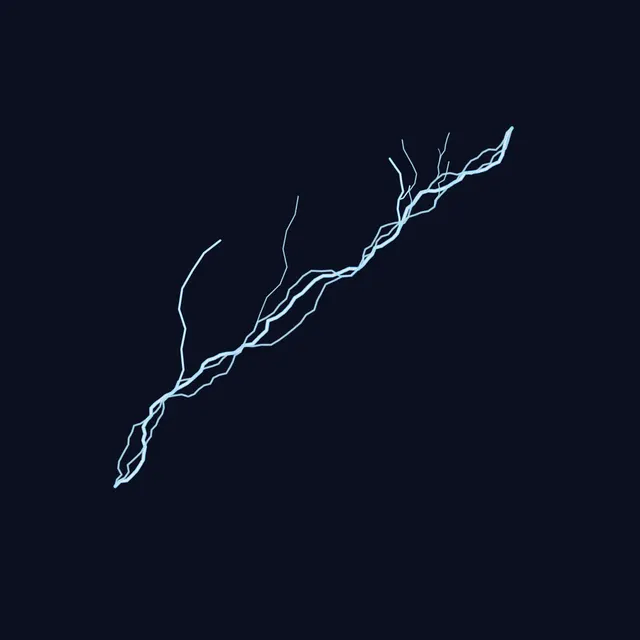
Chidori & Lightning Maker
Chidori-style lightning as a ball, a blade along a path, a strike or a slash, exported as transparent GIFs.
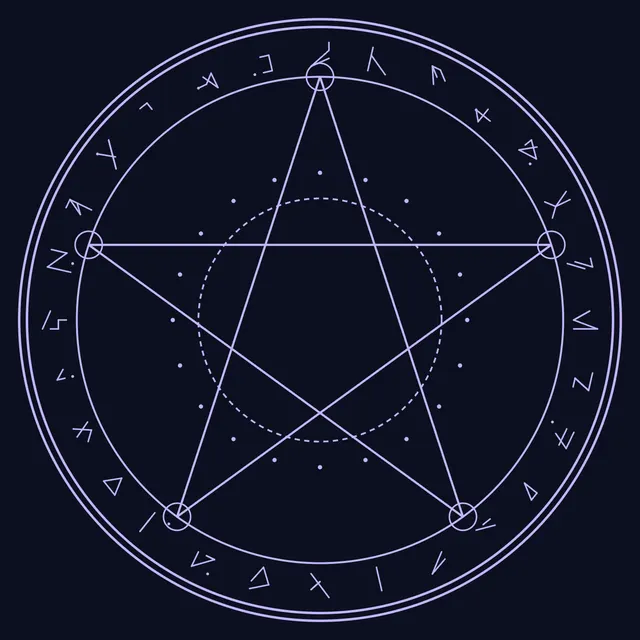
Magic Circle Generator
Design anime-style magic circles with runes, star polygons, trigrams, glow, spin and a ground tilt.
Frequently asked questions
Are these official anime tools?
No. They are free, unofficial fan tools. Names such as Sharingan describe a style, and every shape is an original geometric construction drawn in your browser; nothing is copied from the shows.
Can I use the effects in videos?
Yes. Open Export on an animated tool and choose Green screen for a video you can key out in a video editor, Transparent GIF for quick overlays, or Sprite sheet for games. Glowing effects key best from the green-screen video.
Can I make a tattoo stencil?
Yes. Tools with a Tattoo stencil section in Export save black-on-white art as a 300 DPI PNG, or print it 5, 8, 10 or 15 cm wide for a transfer.