
Mandala Coloring Page
Generate free printable mandala coloring pages — print, save as PDF, or color online.
Tap any area to start coloring it online, press Randomize for a new mandala, or print it to color by hand.
How is Mandala Coloring Page working for you?

About Mandala Coloring Page
- Difficulty
- Simple (4–5 bands), Medium (6–8), Detailed (9–12)
- Styles
- Floral, Geometric or Mixed
- Paper
- US Letter or A4, with an optional title and footer
- Print or save as PDF, 300 DPI line-art PNG, or vector SVG
- Color online
- Tap to fill, with symmetric fill for matching petals
Good for: Repetitive drawing, Prints and files
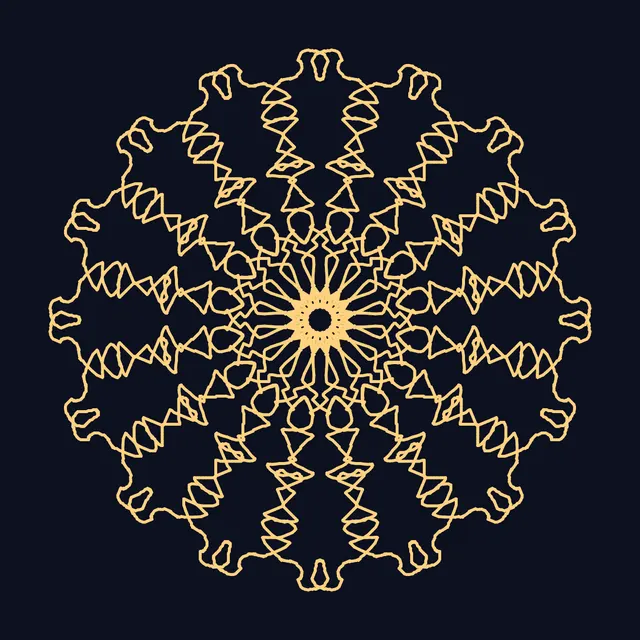
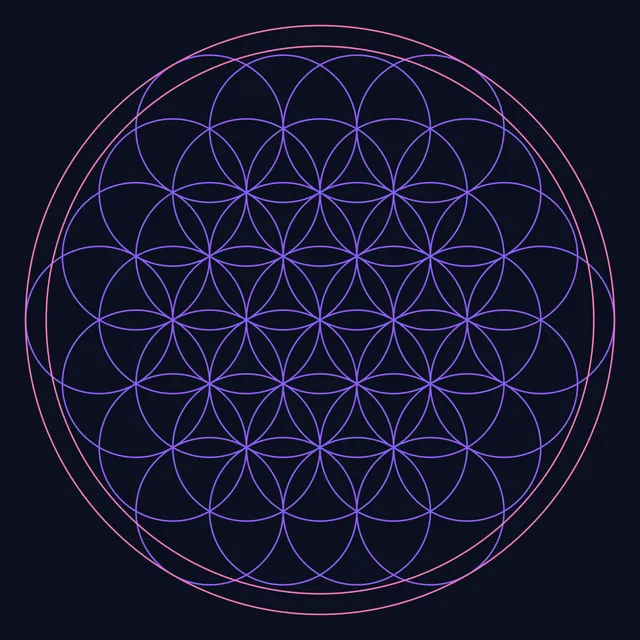
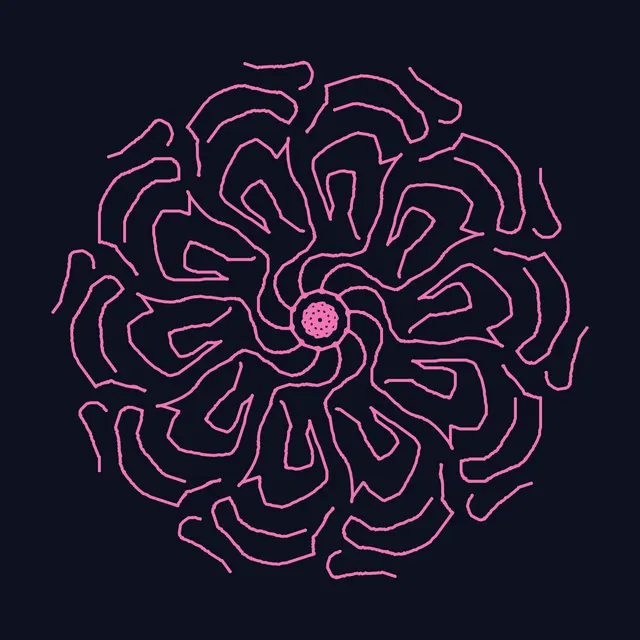
The Mandala Coloring Page generator creates unlimited free, printable mandala coloring pages. Every page is generated from a seed: a center flower surrounded by concentric bands of petals, scallops, leaves, teardrops, beads, chains, zigzags, lattices, arches and rays, with clean closed outlines that are easy to color with pencils, markers or gel pens.
Choose Simple pages with bold lines and large spaces for kids and beginners, Medium for relaxed coloring, or Detailed for intricate adult coloring with many small regions. Pick a floral, geometric or mixed style, US Letter or A4 paper, add a title, and adjust the line weight to suit your pens.
Print directly or save as PDF from the print dialog, download a 300 DPI PNG for crisp printing, or a vector SVG that scales to any poster size. You can also color the page online: tap regions to fill them with color, with symmetric fill coloring every matching petal at once, then print or download your colored version.
How to use Mandala Coloring Page
- Generate a design. Press Randomize until you like the mandala, or type any word as the Seed to get a repeatable design.
- Set the difficulty. Choose Simple, Medium or Detailed and a Floral, Geometric or Mixed style. Raise Line weight for thick markers or young children.
- Lay out the page. Pick US Letter or A4, and add a title or remove the footer.
- Print it. Press Print (or Export, then Print / Save as PDF) to print the line art. Use Line-art PNG 300 DPI for print shops.
- Or color online. Tap any region to fill it (this switches on Color mode), pick a color or palette swatch, and keep tapping regions to fill them. Undo removes the last fill; print or download your colored page when done.
Frequently asked questions
Are these mandala coloring pages free to print?
Yes. Every page is free to print for personal use, classrooms and therapy groups, with no sign-up. Each seed produces a different design, so you can generate as many as you like.
How do I print a mandala coloring page as a PDF?
Press Print, then choose Save as PDF (or Microsoft Print to PDF) as the printer in your browser's print dialog. The page is laid out for US Letter or A4 with margins.
Which difficulty should I choose?
Simple has 4-5 bands with thick lines and large regions, good for kids and quick sessions. Medium has 6-8 bands. Detailed has 9-12 bands with many small regions for adult coloring.
Can I color the mandala online?
Yes. Turn on Color mode and tap any region to fill it. With Symmetric fill on, the same region in every repeat of that ring is colored at once. Your colors are saved in your browser for that design.
Can I sell or share the pages I make?
You can use the pages you generate for personal, educational and commercial projects such as coloring books, printables and classroom packets.
Can I print a different page for every student?
Yes. Press Randomize for a new design, or type each student's name as the Seed, and every seed gives its own mandala that you can recreate later. Simple pages with a heavier Line weight suit younger children; Detailed pages suit older students and adults.