
Ink & Smoke Fluid
A real-time GPU fluid: drag to swirl ink on paper, rising smoke or rainbow dye.
Drag across the canvas to push the fluid and drop in color; a stroke acts on the moving fluid, and Restart empties the dish. Switch between ink on paper, rising smoke and rainbow swirls; turn fountains off for a still pool you stir yourself.
How is Ink & Smoke Fluid working for you?
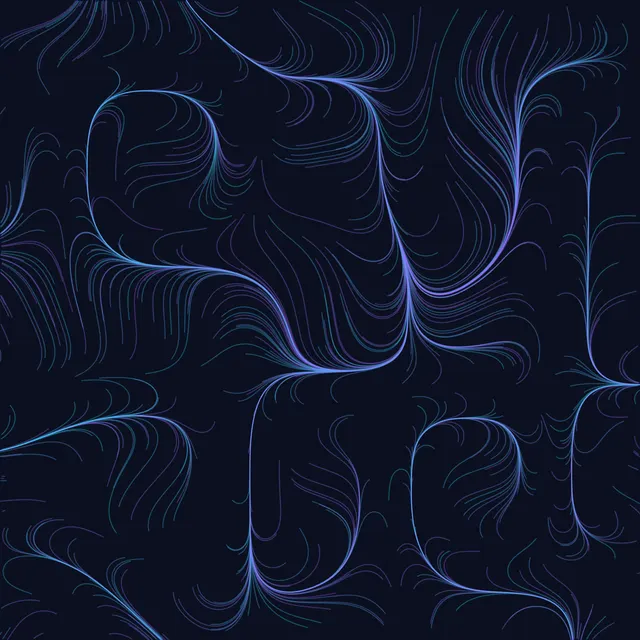
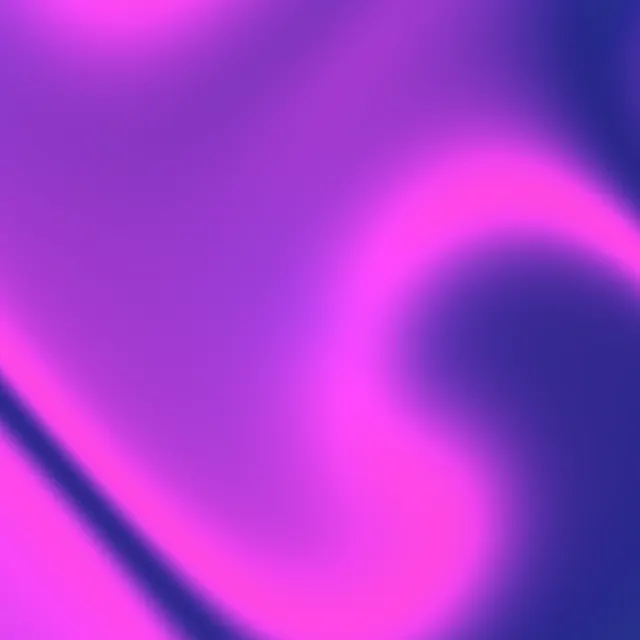
About Ink & Smoke Fluid
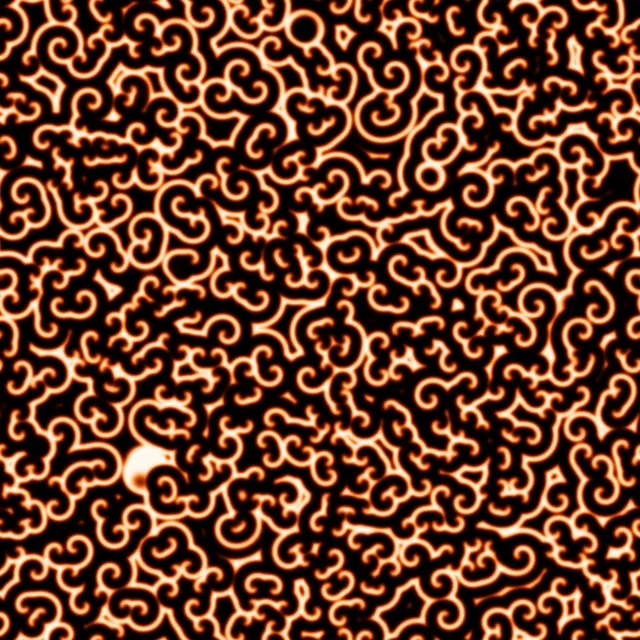
Ink & Smoke Fluid is a real-time fluid simulation that runs on your graphics card. Drag across the canvas to push the fluid and pour in color, and watch it curl into eddies, mushroom clouds and marbled swirls. Choose ink spreading on paper, smoke that rises with buoyancy, or glowing rainbow dye, and let automatic fountains keep it moving.
It is based on Jos Stam's 'stable fluids' method (1999), the technique behind countless film and game effects. Each frame the velocity field carries itself and the dye forward along the flow (semi-Lagrangian advection), vorticity confinement adds back the small swirls that numerical blurring would smooth away, and a pressure solve makes the flow incompressible, so fluid pushed in one place has to move out of the way somewhere else. Everything runs as a chain of WebGL2 shader passes on floating-point textures.
Tune viscosity (how quickly motion dies out), fade (how long the dye lasts), swirl, splat size and force, buoyancy for smoke, and the paper and ink colors. Turn fountains off to stir a still pool yourself, raise quality for finer detail, and export a high-resolution PNG or record a video or GIF of the flow.
How to use Ink & Smoke Fluid
- Stir the fluid. Click and drag across the canvas. The direction and speed of your drag push the fluid, and each stroke adds dye.
- Pick a mode. Ink spreads dark color over paper, Smoke glows and rises with buoyancy, Rainbow paints shifting colors on black.
- Shape the flow. Viscosity damps motion, Fade sets how long dye lingers, Swirl strengthens the small vortices, and Buoyancy (Smoke mode) sets how strongly warm smoke rises.
- Change the brush. Splat size sets how wide each push is and Splat force how hard. Fountains adds automatic jets so there is always something moving; Seed fixes where the ink fountains land.
- Start again. Step advances the fluid by 1/60 s while paused. Restart empties the dish and starts the fountains again from the start of the seed; Reset also returns every setting to its default; Randomize sets the mode, the colors, Viscosity, Fade, Swirl, Buoyancy and the seed at random, with Fountains on.
- Adjust quality. Higher quality uses finer simulation grids for more detail; use Fast on older phones. Pressure steps trade accuracy for speed.
- Export. Save a PNG up to 2048 px or record a short video or GIF of the swirling fluid.
Frequently asked questions
How does the fluid simulation work?
The screen is covered by a grid that stores the fluid's velocity and the amount of dye. Each frame the simulation moves velocity and dye along the flow, adds forces from your pointer and from buoyancy, boosts small swirls (vorticity confinement), and solves for pressure so the fluid stays incompressible. This is Jos Stam's stable-fluids method running entirely on the GPU.
Why does my device show an error?
The simulation needs WebGL2 with floating-point render targets. Most current desktop browsers and recent phones support it; some older or low-power devices don't. If you see a message instead of the canvas, try a different browser or device.
What is vorticity confinement?
Grid-based fluids slowly lose their small swirls because each step blurs the velocity slightly. Vorticity confinement, introduced by John Steinhoff and later popularized for graphics by Ronald Fedkiw, Jos Stam and Henrik Wann Jensen, detects where the flow is spinning and pushes it to spin a little more, bringing back lively eddies.
Can I make marbled-paper or ink-in-water art?
Yes. Use Ink mode with fountains off and low fade, drop colors with short strokes and then drag slowly through them to pull out marbled patterns. Export a 2048 px PNG when you like the result.